Your cart is empty


Wireless CarPlay Android Auto Dongle for Seamless Connectivity
Add to cart in 04:00 and get 20% OFF!
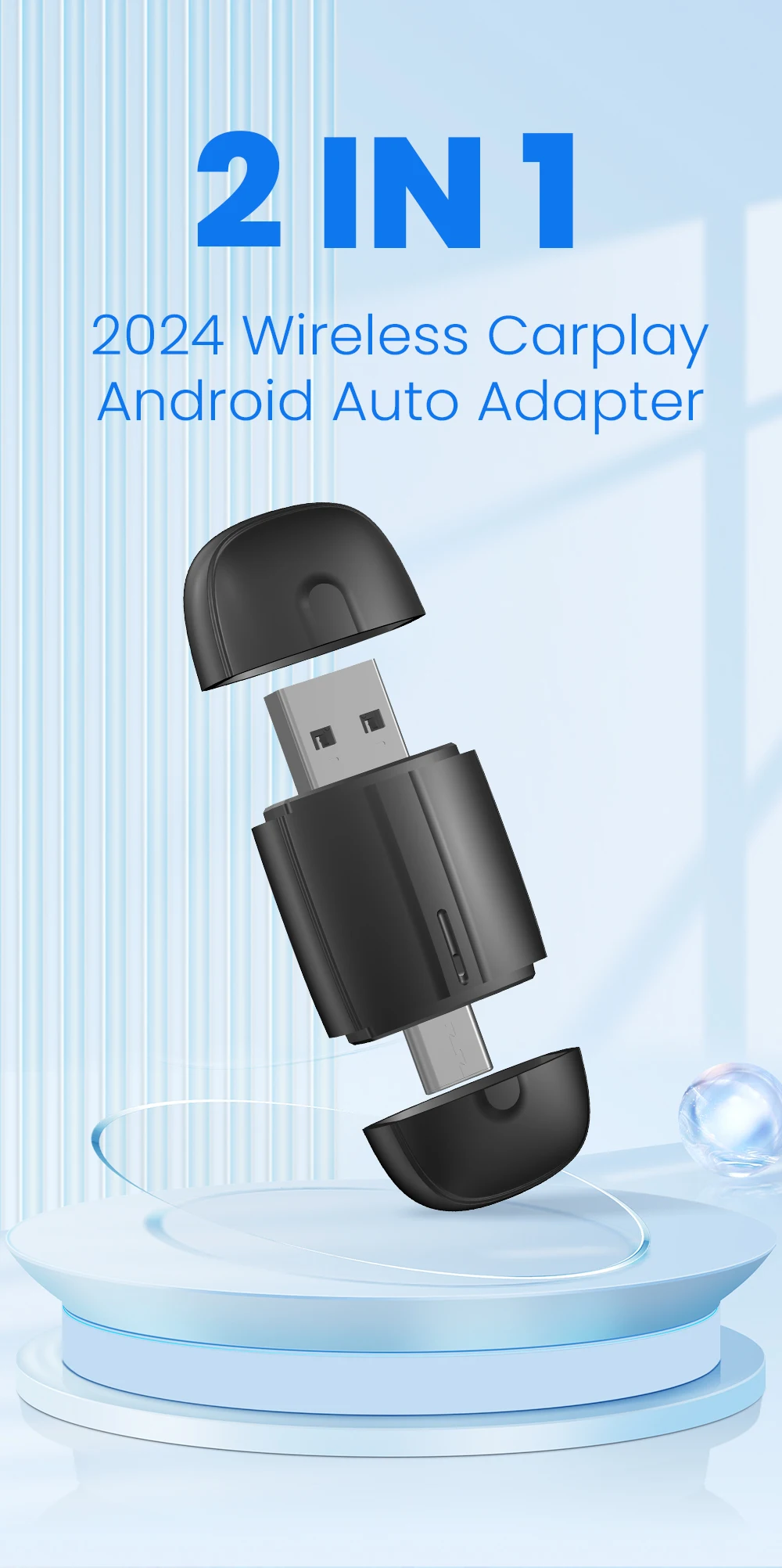
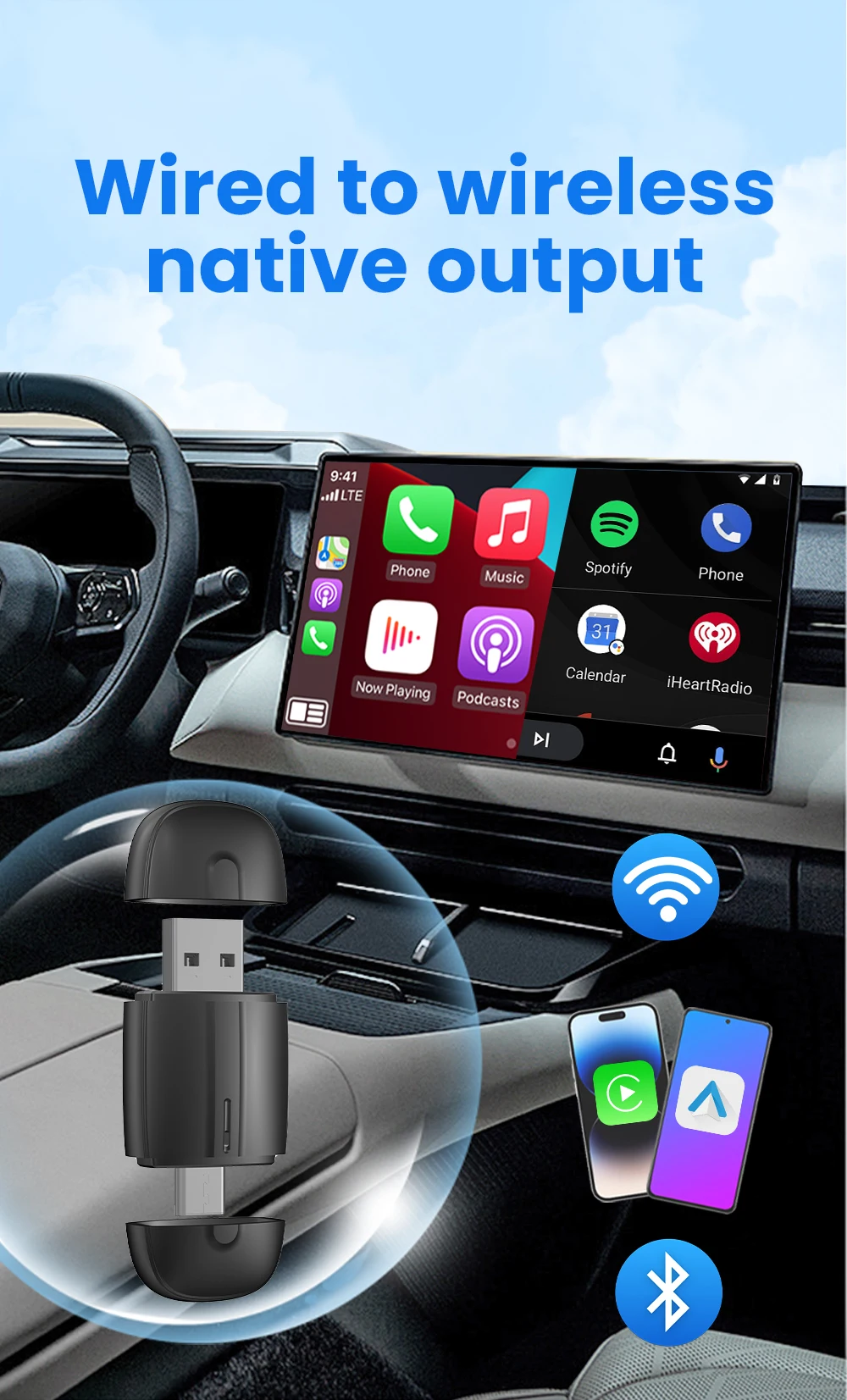
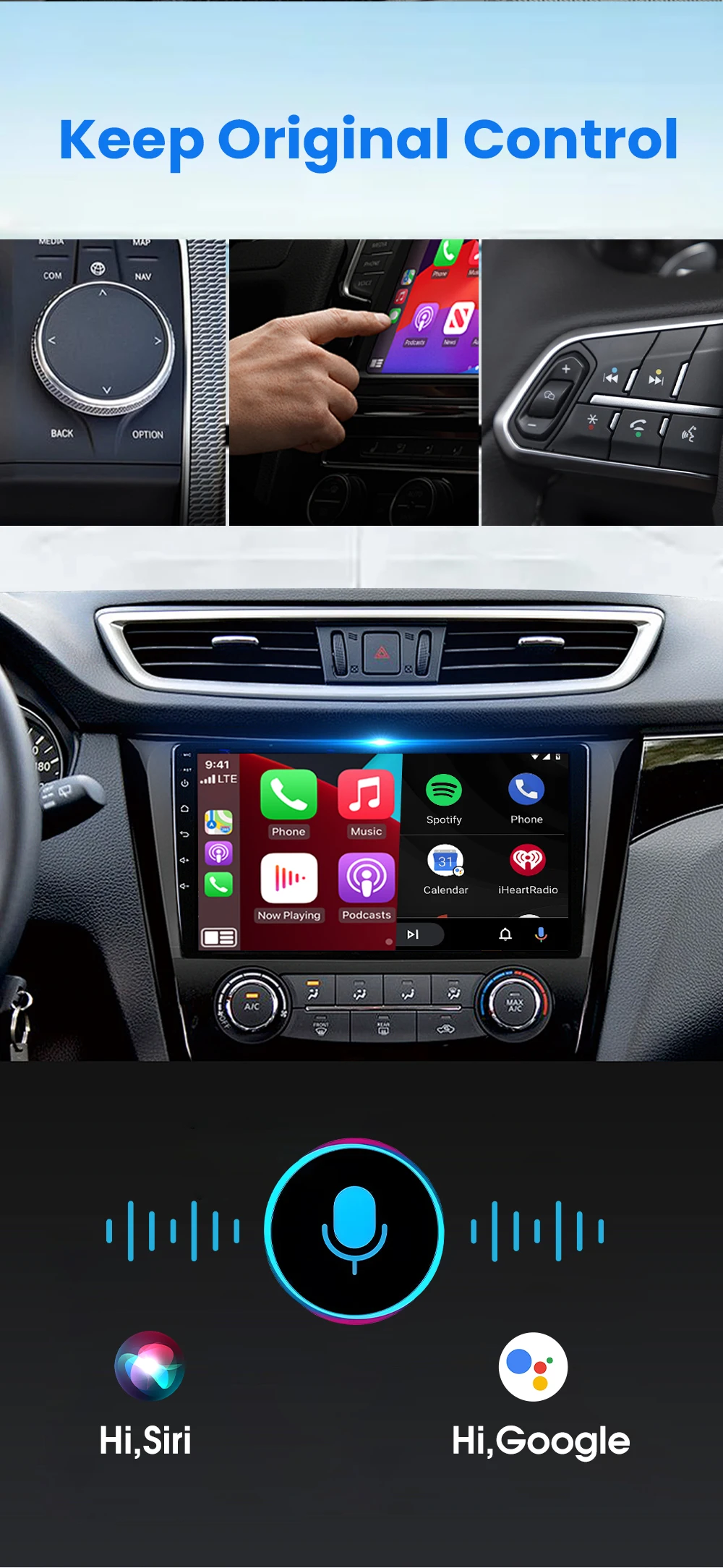
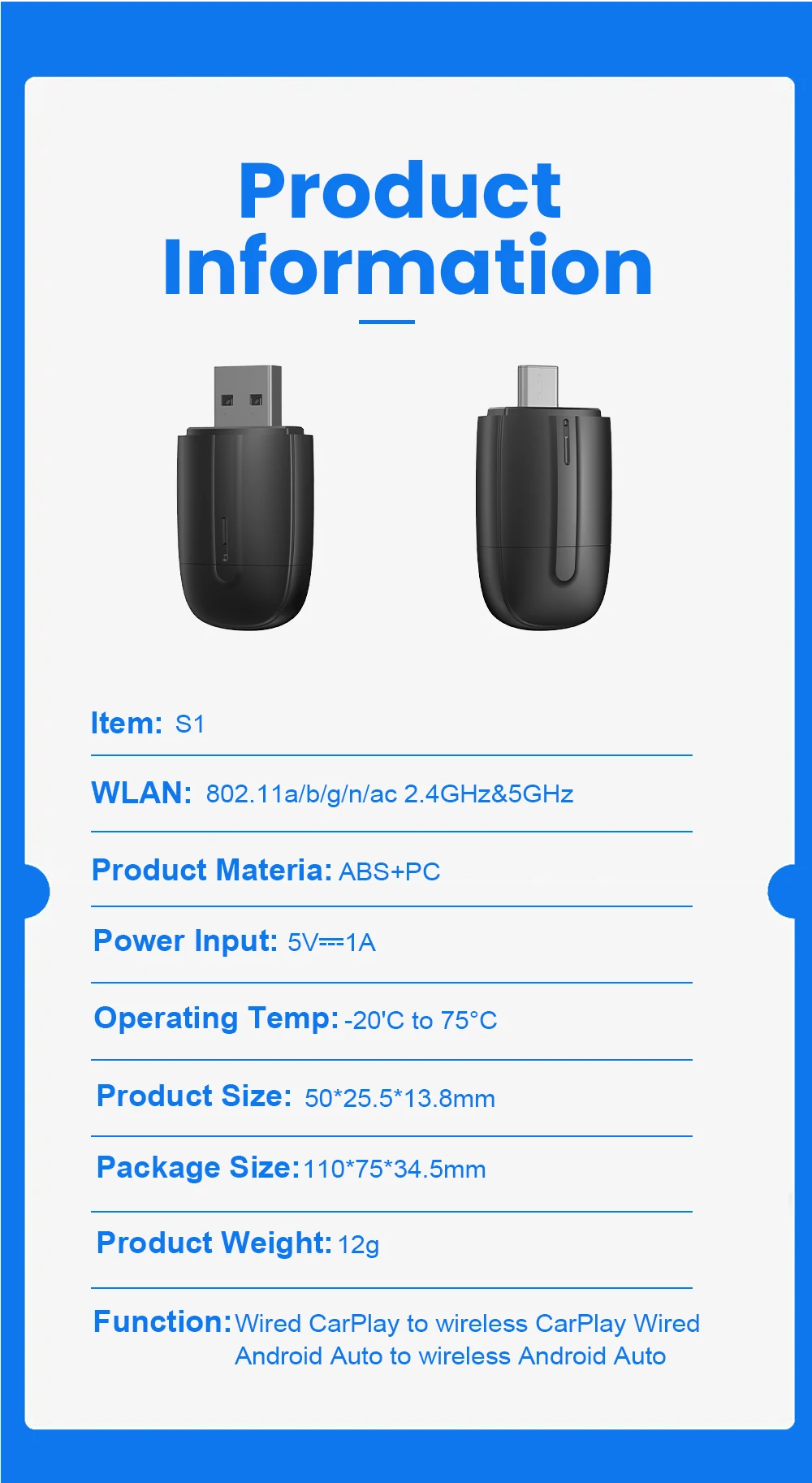
Instantly upgrade your vehicle’s infotainment system in 2026 with our Wireless CarPlay Android Auto Dongle. This innovative 2-in-1 adapter provides a seamless, plug-and-play solution to convert your existing wired CarPlay or Android Auto system into a fully wireless experience.
The Wireless CarPlay Android Auto Dongle connects via a simple Type-C USB port, utilizing Bluetooth and WiFi technology to automatically link with your smartphone as soon as you start your car. Say goodbye to messy cables and hello to the convenience of instant, hands-free connectivity.
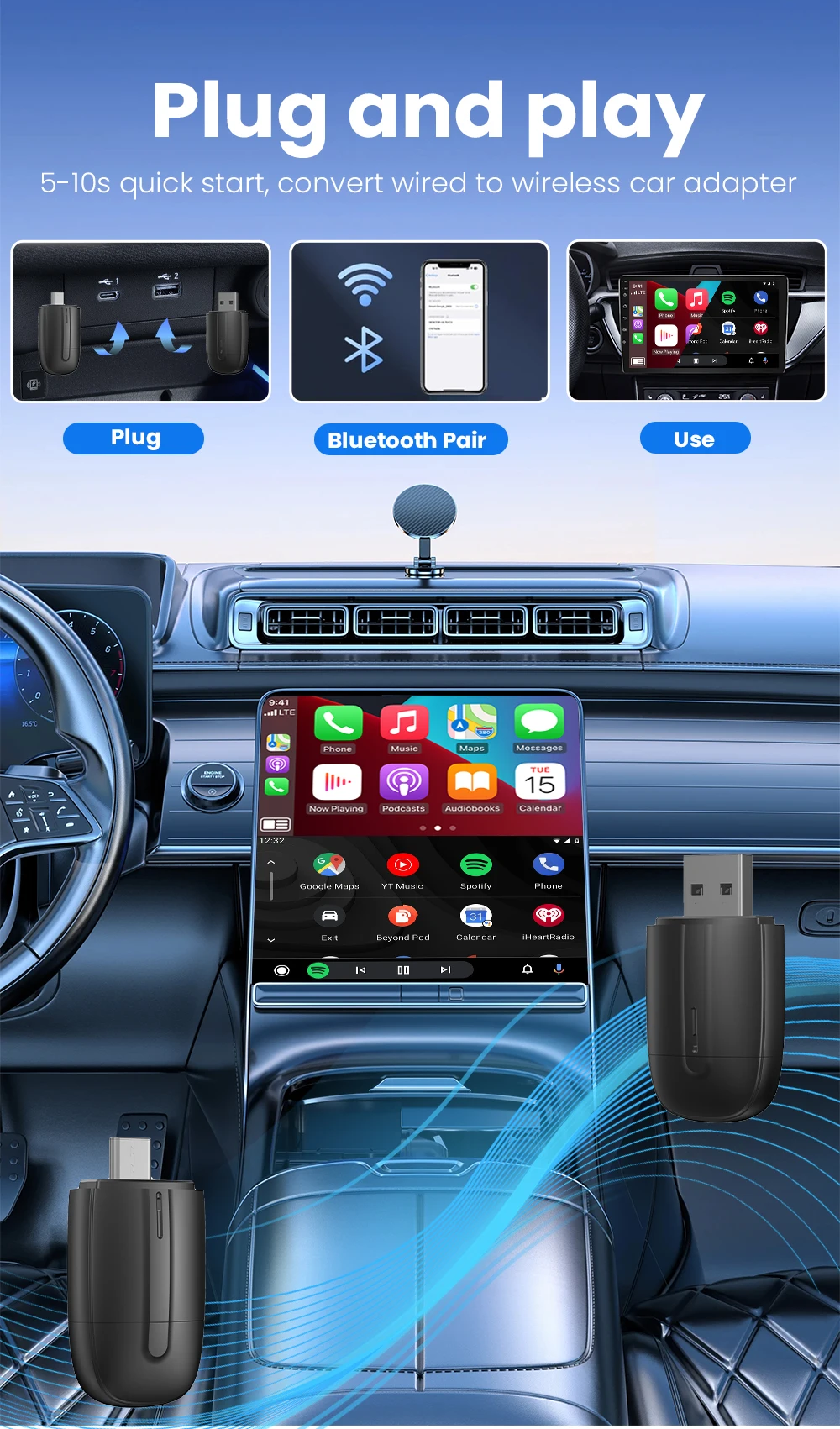
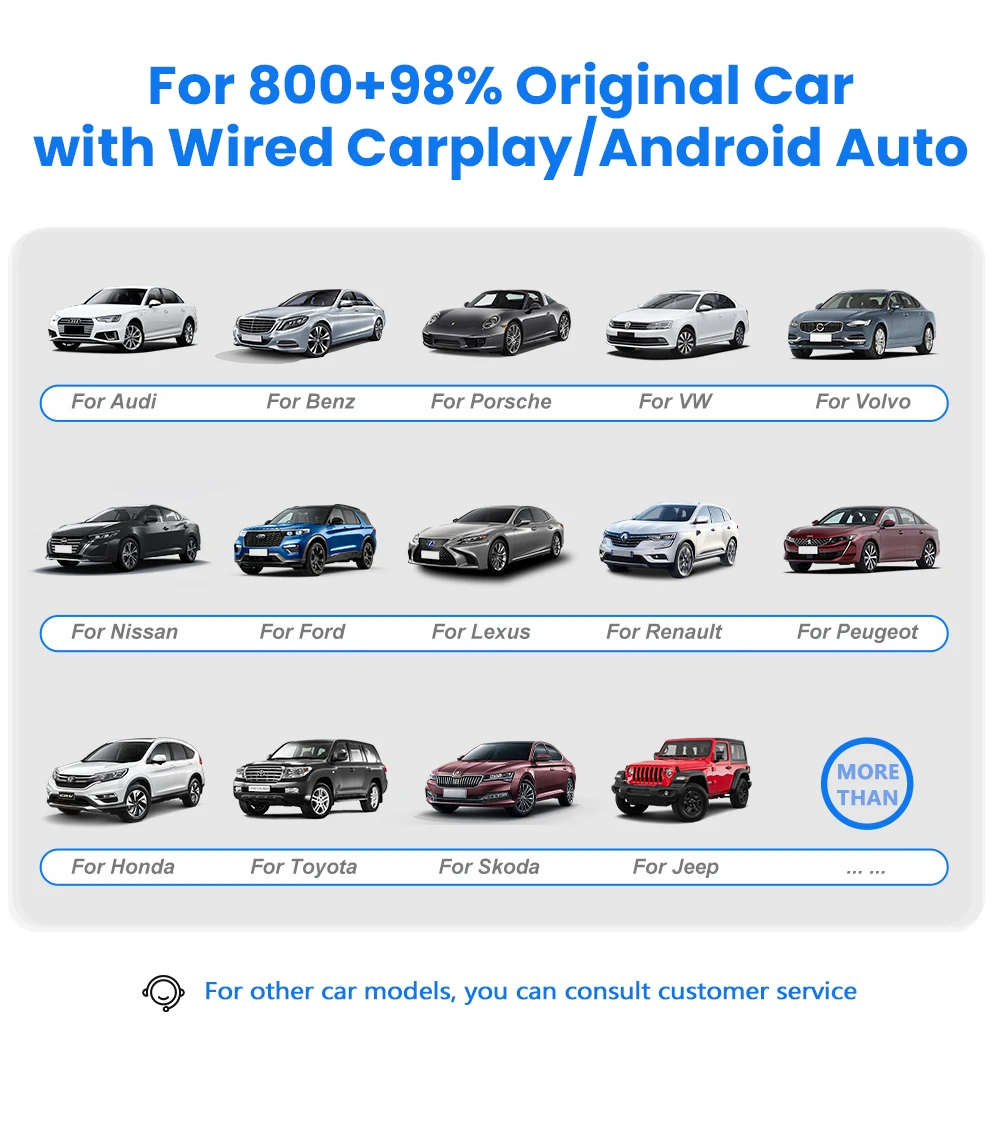
Universal Compatibility with the Wireless CarPlay Android Auto Dongle The Wireless CarPlay Android Auto Dongle is engineered for broad compatibility across numerous car brands, making it a versatile retrofit option for many popular vehicles. It works perfectly with Chevrolet, Citroen, Buick, Cadillac, Chery, and VW models that already have factory-installed wired CarPlay. Installation takes just seconds—simply plug the Wireless CarPlay Android Auto Dongle into your car's USB port, pair your phone via Bluetooth once, and you are all set. Enjoy untethered access to navigation, music, and calls, enhancing both safety and enjoyment on every drive in 2026. This small yet powerful dongle is the essential gadget for any modern driver seeking a cleaner, smarter cabin experience.
Conditions of use:
Regarding the equipment requirements for the machine:
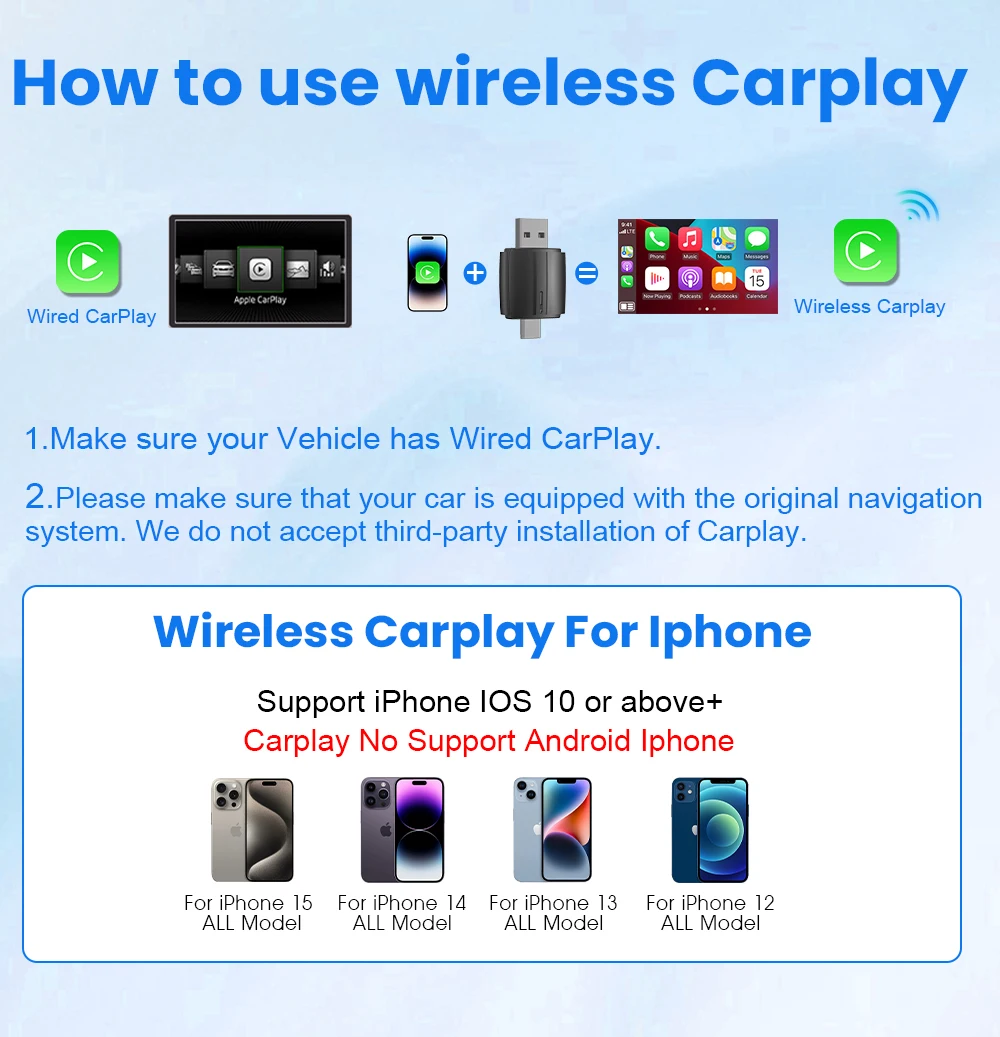
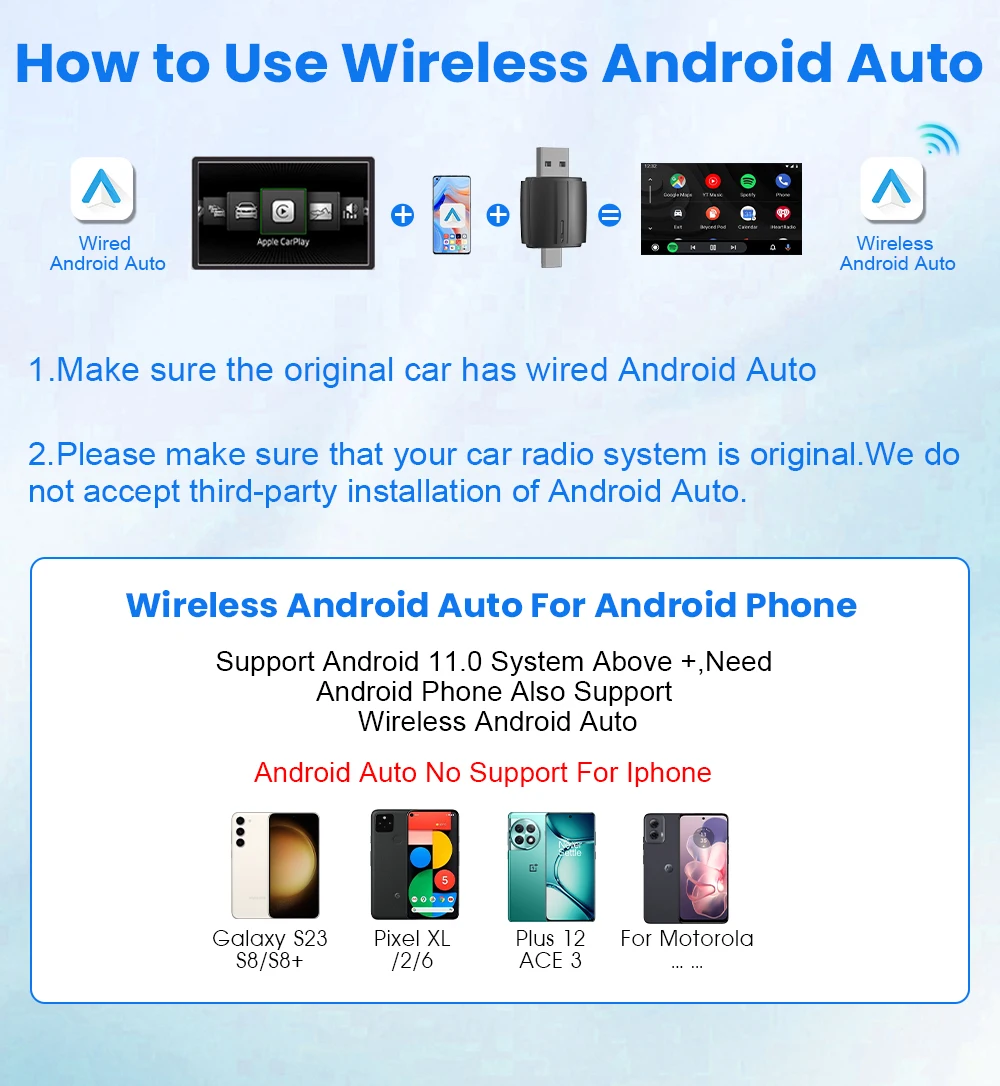
This product is only suitable for factory built-in Wired Apple Carplay/Android Auto
About mobile phones
About Apple phones: Corresponding to Carplay: Supports iPhone 6 and above, software version is iOS 10 and above.
About Android phones: Corresponding to Android Auto: Supports Android 11 and above models, and the phone supports wireless Android Auto.
3. It should be noted that Huawei phones are special. Huawei devices have their own mobile operating system - EMUI. Unfortunately, Android Auto Wireless does not support EMU
About mobile phones
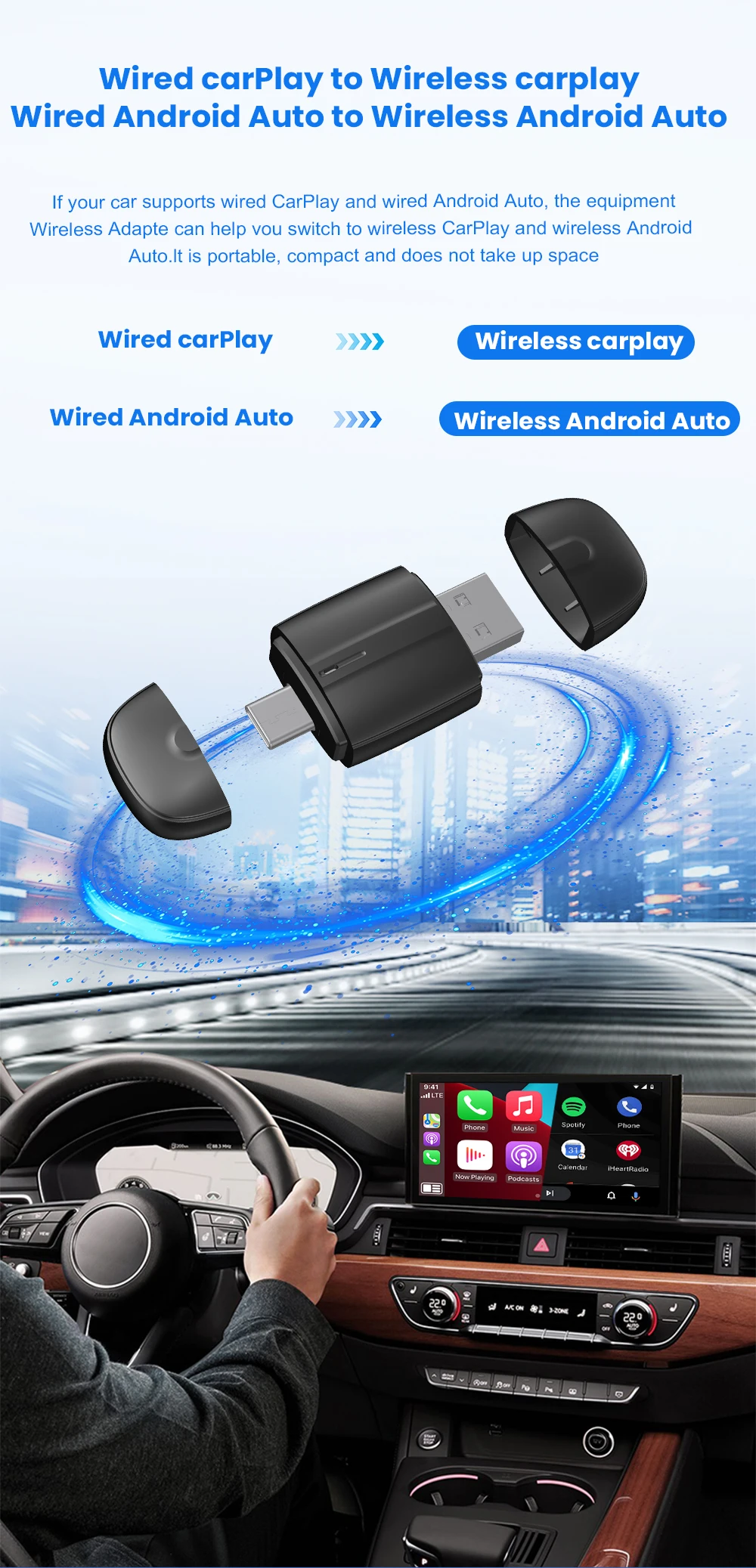
1.Wired Apple Carplay to Wireless Apple CarPlay
2.Wired Android Auto to Wireless Android Auto
Function of switching between products
If you need to switch from wireless Carplay to wireless Android auto function
Please use an Android phone to connect the device Bluetooth name. After the connection is successful, wait for the device to automatically reset and restart. The process takes about 30 seconds. Keep it powered on
Carplay will switch to Android Auto function
So you can use an Android phone to connect to the wireless Android Auto function
Note:
To use wireless Android Auto
Your car needs to have the Android Auto channel function
Your phone is an Android system and supports the Android Auto function
To use wireless Carplay
Your car needs to have the Carplay channel function
Your phone is an Apple phone and has an ios10 system or above
Main functions of the product
1.Wired Apple Carplay to wireless Apple CarPlay
2.Wired Android Auto to wireless Android Auto
How to use wireless Carplay?
1. Connect the USB box to the car USB
2. Check the Bluetooth name "Smart Dongle-XXXX" that appears on the car
3. Turn on the phone's WIFI and Bluetooth, and use the Bluetooth pairing device name.
How to use wireless Android Auto?
1. Connect the USB box to the car USB
2. Check the Bluetooth name "Smart Dongle-XXXX" that appears on the car
3. Turn on the phone's WIFI and Bluetooth, and use the Bluetooth pairing device name.
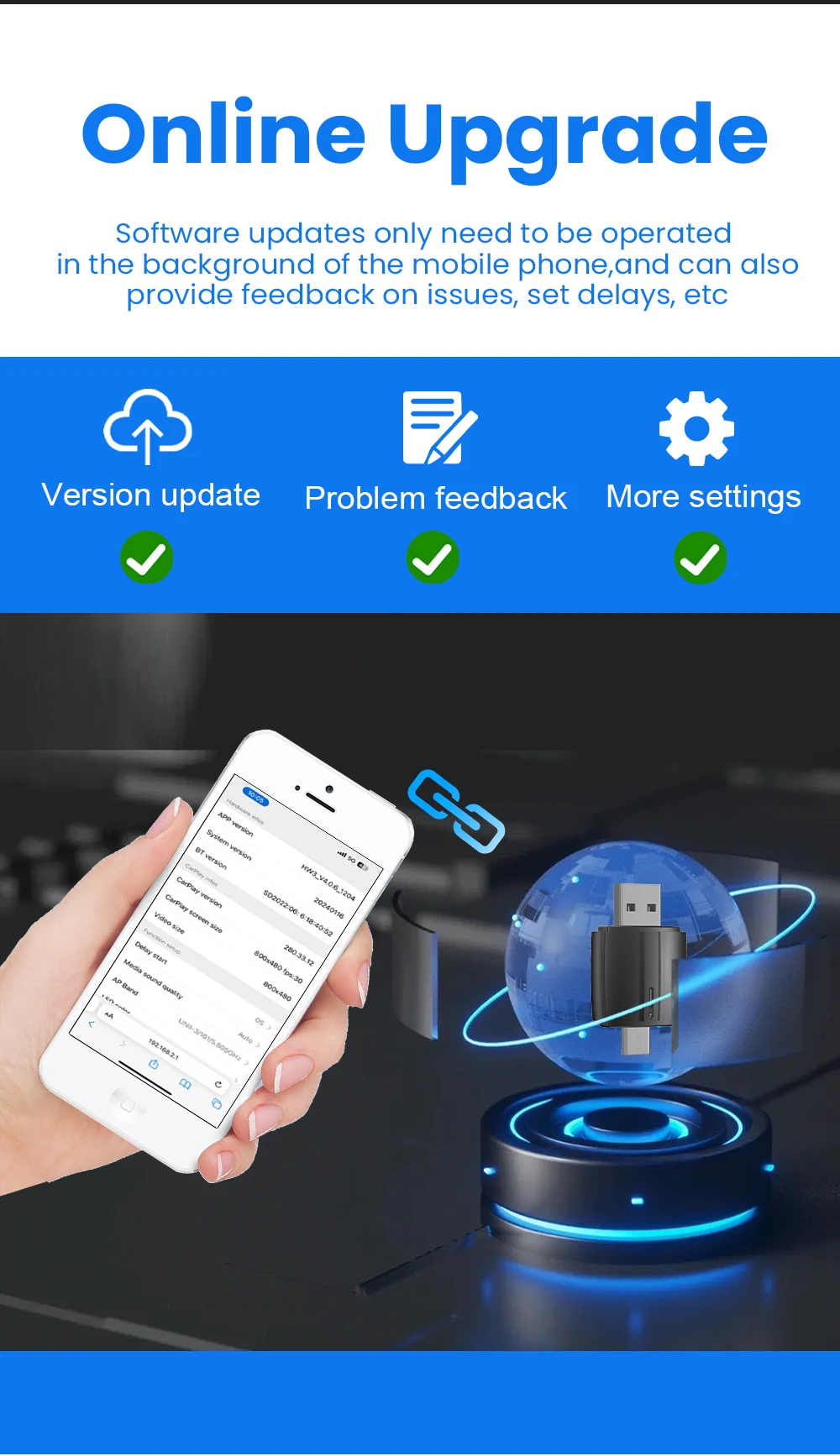
How to upgrade for iPhone online?
Access the backend page with an iPhone
1. Please use your phone to connect to the device Wifi: "Smart Dongle" and enter the password: "12345678",
2. Open the Safari browser on your iPhone and enter the IP address: "192.168.1.101,
3. Click "Access" or "Go" to enter the online upgrade backend. (If you cannot enter, please check whether the phone's Wifi is correctly connected to the device)
Android phone upgrade method
Android phone access backend page
1. Please use your phone to connect to the device Wifi: "Smart Dongle" Enter the password: "12345678"
2. Open the mobile phone Chrome browser and enter the IP address: "192.168.1.101
3. Click "Access" or "Go" to enter the online upgrade backend interface. (If you cannot enter, please check whether the phone's Wifi is correctly connected to the device)
FOTA
If the original car has wired Carplay/Android, why can't it be connected?
1. Please use your phone to delete the original car's Bluetooth device name
2. Restore the factory device
(Because the device is a single Bluetooth, if the original car's Bluetooth is already connected to the phone, the phone cannot connect to the device's Bluetooth)
After pairing the Android Auto adapter, the Android Auto feature does not start or the USB is not compatible/recognized
1. If your car is using the Android Auto function for the first time, please use a data cable to connect your phone to activate Android Auto via wired mode.
2. Please make sure that the Android Auto on your Android phone is the latest version. If not, please update to the latest version.
3. Please turn off the Bluetooth of your phone and enter the mobile application management to search for automatic clearing of automatic cache. After the cleanup is completed, restart the adapter and reconnect Bluetooth.
The adapter light remains on after the car is turned off.
Since all power is not cut off immediately when the car is turned off, the light of the adapter will not go out immediately, but it will take a while. Please rest assured that its power consumption is extremely low and will not drain the battery.
Can the phone use other network wifi when using wireless android auto adapter?
When enjoying the wireless Android Auto adapter function, the phone's WiFi will be occupied by the adapter, so you can't use other Internet at the same time, you can only use the phone SIM card to surf the Internet
About OTA upgrade
In order to bring you a better experience, this product supports OTA online upgrade function. When the wireless converter box cannot be used normally or there are performance problems after the mobile phone upgrades the system, it is recommended to upgrade the wireless converter box firmware to the latest version. If the wireless converter box works normally, it is usually not recommended to upgrade the firmware.
Free delivery • Tracked • 5-12 business days • 30-day returns